Interface Navigation#
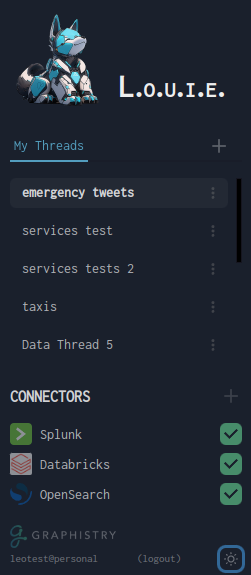
Connector Status & Organization Context#
Organization Context#
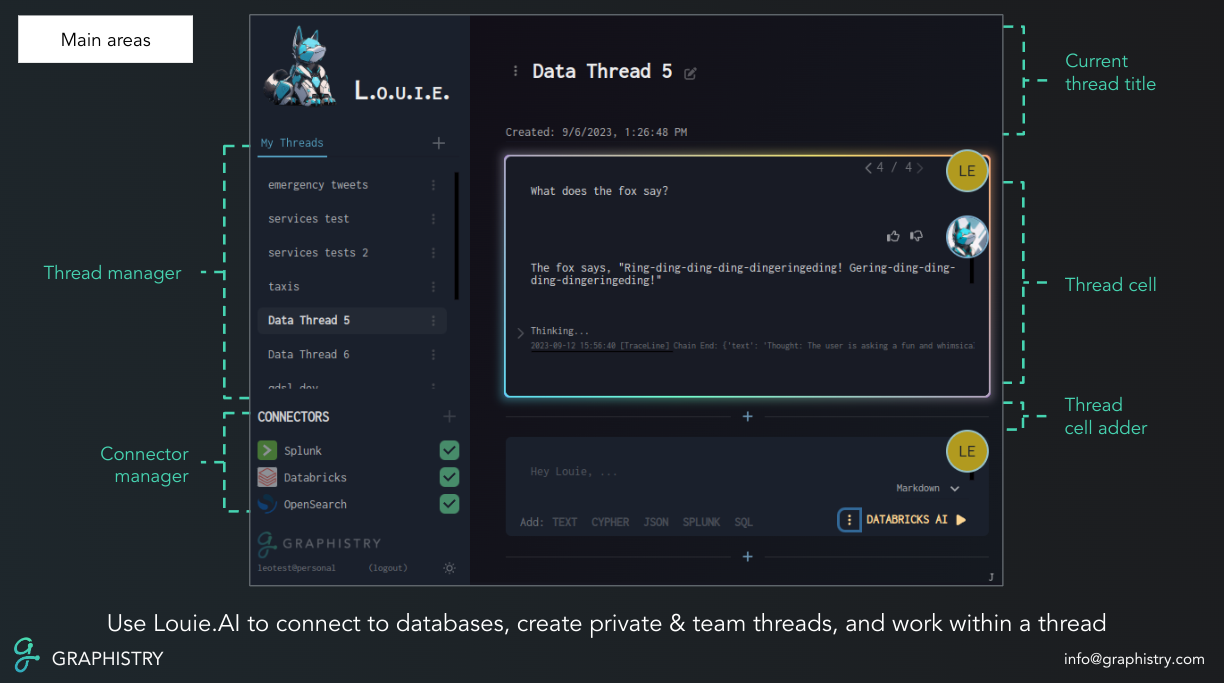
You login under an organization context, shown by the profile area in the interface. You may belong to several organizations:
Your unaffiliated personal account
Your team
Teams you collaborate with
And other organizational contexts
Thread Organization#
Within the active organization, you can create threads in two locations:
Your personal area (private threads)
The organization’s shared area (team threads)
Data Connectors#
Your organization has live data connectors that provide access to various data sources:
Green indicators show healthy connections
You can ask Louie to re-index connectors when needed
Connectors provide seamless access to your data sources