

Running Blocks#
Running blocks in Louie.AI is a streamlined process that lets you write commands, select tools, and execute analysis while monitoring progress in real-time.
Workflow Overview#
The block execution process follows these key steps:
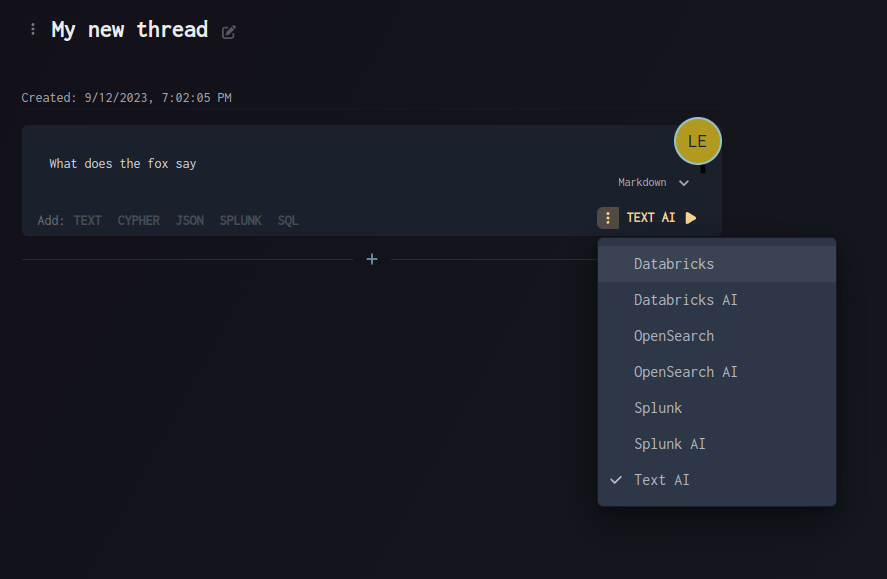
Command Entry: Write your analysis request or command
Tool Selection: Choose the appropriate tool from the tool picker
Title Configuration: Edit the block title if needed
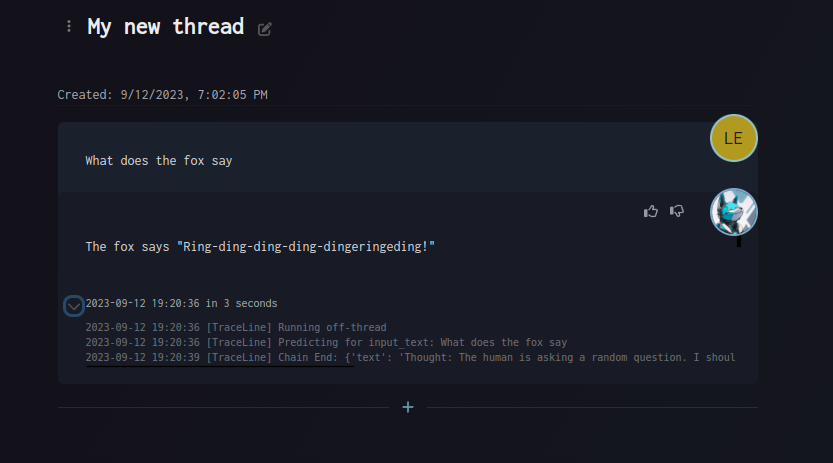
Execution: Run the block and monitor progress
Review Results: Inspect the output and decisions made
Real-time Monitoring#
As your block runs, you can:
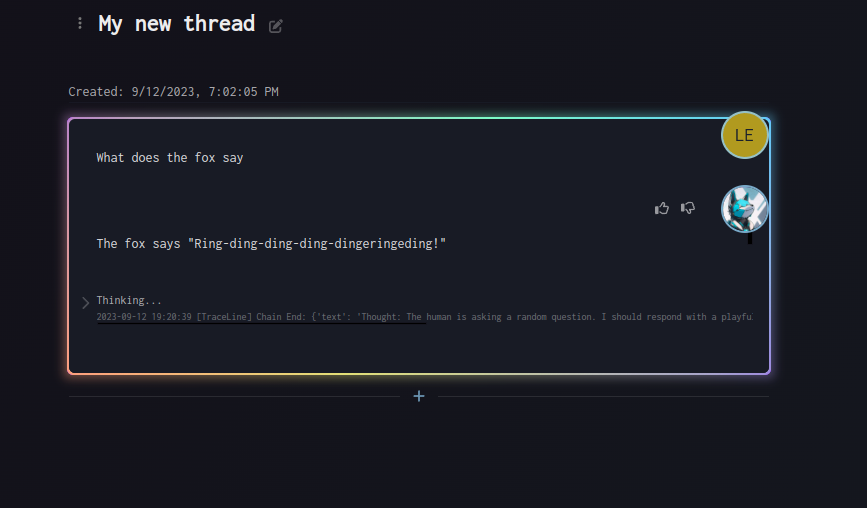
Watch Progress: See real-time updates on execution status
Monitor Decisions: Observe what Louie.AI is thinking and deciding
Track Processing: Follow the step-by-step analysis process
Visual Guide#
Command Entry Interface#
Running Process View#
Results and Output#
Getting Started#
Simply write what you want to accomplish, pick the appropriate tool, and run your block. The interface provides clear feedback throughout the entire process, making it easy to understand what’s happening at each step.