Quick Launch Bar#
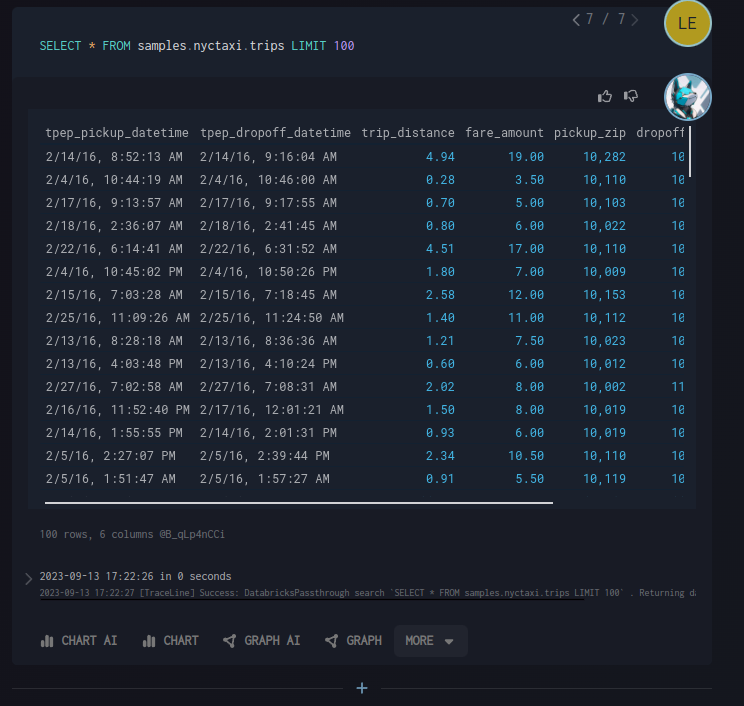
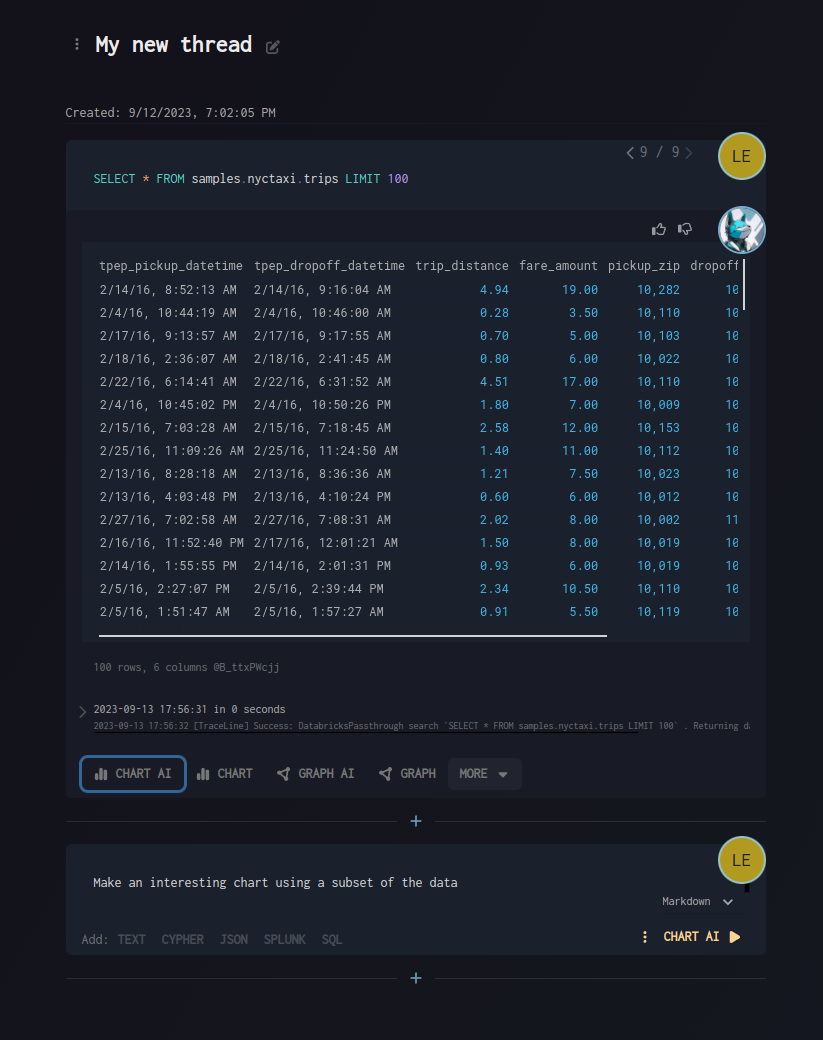
The Quick Launch Bar provides a convenient way to quickly add new cells with preconfigured settings for different tool types.
Features#
One-click cell creation: Add cells preconfigured for different tool types
AI and non-AI modes: Choose between AI-powered and traditional modes for each cell type
Context-aware appearance: Automatically appears after a cell has been run and has output to act on
Quick block addition: Streamlined workflow for adding new analysis blocks
How It Works#
Run a cell that produces output
The Quick Launch Bar automatically appears below the cell
Select from available cell types and configurations
Choose between AI or non-AI modes as needed
Visual Guide#